What exactly are you measuring?
Start with a job you can name: returning feedback on one class set of analytical paragraphs, for example. Write down the number of responses, the task length and the feedback students will receive. A mark and one next step is a different job from a mark, detailed annotations and an individual conference. Comparing their times without that distinction tells you little.
Choose your start and finish points. For a full-cycle record, start when you prepare the criteria or marking notes, and finish after the planned feedback follow-up. If you only need to measure reading and marking, that is useful too. Label it as one stage rather than the whole workload. Keep the same boundary for any later comparison.
How can you keep a log without creating another job?
Use a timer and the blank log below. One row can cover a batch of responses; you do not need a separate stopwatch record for every comment. Record the date, stage, active minutes, responses covered and anything unusual. Use a task label rather than student names. Pause the timer for an unrelated phone call or another piece of work, then resume it when you return.
Keep waiting and elapsed time in a note. A file might take eight minutes to upload while you do something else; that is not eight minutes of active marking. If you have to supervise the upload or fix a problem, count the time you actually spend doing that. Waiting can still delay the return of feedback, so retain it as a separate measure rather than making it disappear.
Record shared preparation once. If twelve minutes of rubric preparation serves two comparable class sets, you might allocate six minutes to each, stating that choice. Alternatively, keep the twelve minutes at the combined-task level. Do not charge the full preparation time to each class and then add those figures together.
What does a complete worked example look like?
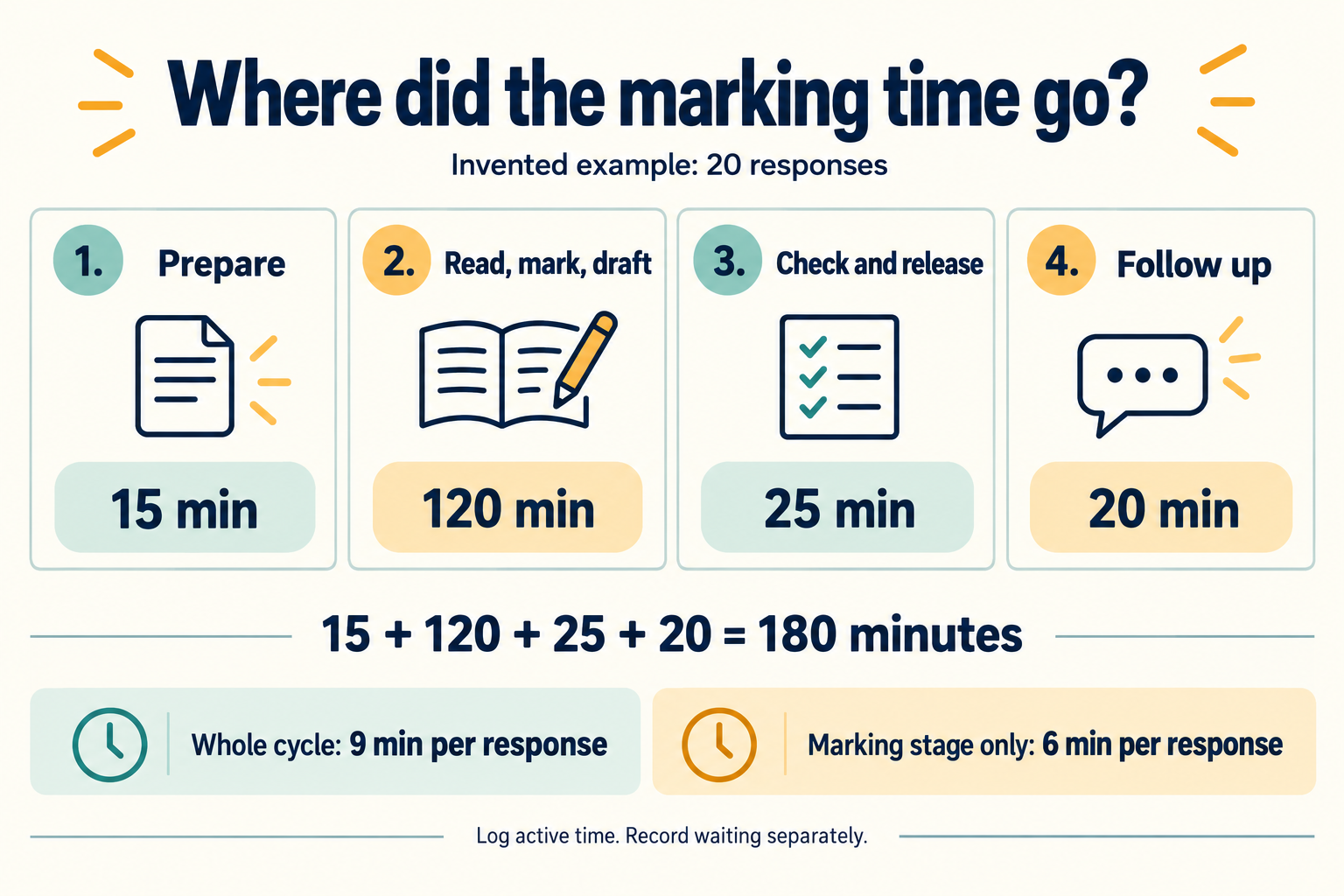
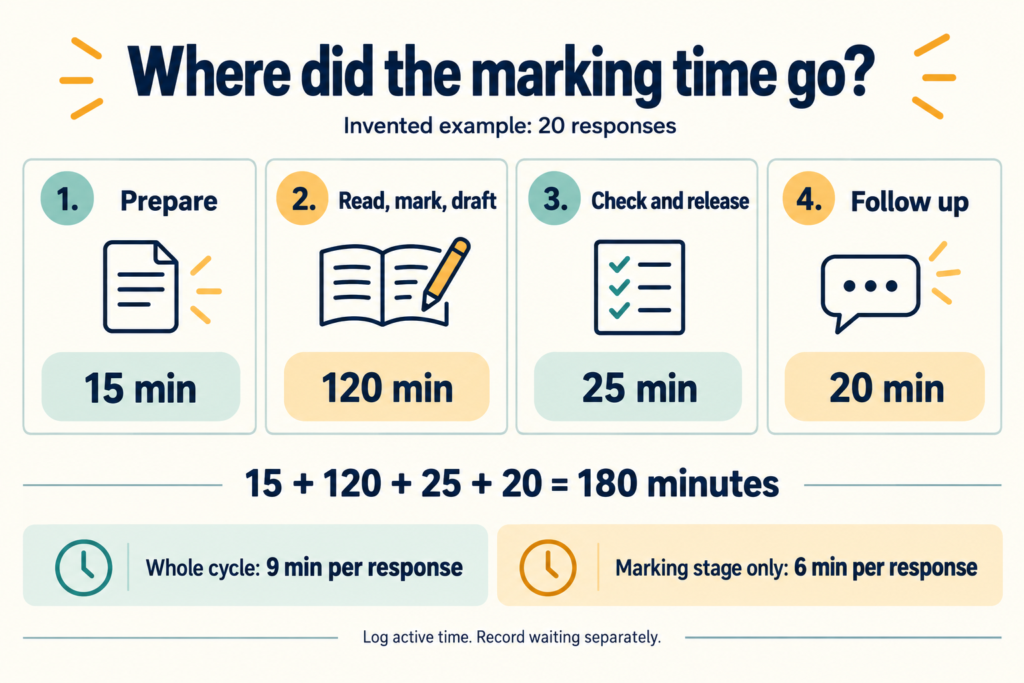
Here is an invented example, not a benchmark or a claim about a particular tool. A teacher prepares for a set of twenty responses in fifteen minutes. Reading, marking and drafting comments takes 120 minutes. Checking the comments and releasing them takes another twenty-five. Helping students interpret the feedback and checking their revisions takes twenty minutes of active teacher time.
The total is 15 + 120 + 25 + 20 = 180 minutes, or three hours. Spread across twenty responses, that is nine minutes per response for this defined cycle. The reading, marking and drafting stage alone averages six minutes per response. Both numbers are correct; they answer different questions. Calling the six-minute figure the whole workload would leave an hour out.
The follow-up figure includes only the teacher activity counted for this task. It does not automatically include every minute students spend revising independently. Keep that distinction consistent in the next cycle. The worked table and downloadable visual repeat the calculation so you can check it with a colleague.
What if you cannot time the whole class set?
Take a sample from more than one marking session or part of the pile. The first few responses may involve settling on an interpretation of the criteria; other responses may need more reading or checking. A convenient handful is not necessarily typical. Record which responses you sampled and why, without placing identifying information in a shared log.
If your sampled marking stage averages six minutes, multiplying by twenty gives a 120-minute estimate for that stage. Add the separately estimated shared tasks and label the result as an estimate. Retain the observed spread if some responses take much longer. When the set is finished, compare the estimate with the actual total and use the difference to improve your next planning assumption.
How do you compare a new workflow fairly?
Use comparable tasks and the same expected feedback standard. Record differences in response length, class size, task difficulty and your familiarity with the process. Include setup, checking and editing in any AI-assisted workflow; the time until a draft appears is only one part of the job. A small trial can reveal a practical problem, but it cannot establish a universal percentage saving.
Check usefulness as well as speed. AERO’s formative-assessment guidance describes feedback that helps students correct misconceptions and move forward, with opportunities to reflect and improve. For your comparison, inspect whether comments match the work, identify an appropriate next step and lead to a revision you can check. Our worked example of turning vague feedback into a revision task shows what that last check can look like.
Use the marking workload calculator to explore assumptions once you have a time record. Its manual and review fields are per response; its setup field is per class assessment. Keep any stages outside those fields, such as separately recorded follow-up, alongside the result. Do not compare a full-cycle total with a calculator subtotal and call the difference a saving.
What should you do with the result?
Choose one part of the process to investigate. If checking takes longer than expected, read the notes: are you correcting inaccurate comments, resolving unclear criteria or simply learning a new interface? Those causes call for different changes. Keep the original log, change one manageable part and record another comparable cycle before deciding whether the change helped.
If you are considering JeddAI, get in touch to discuss the workflow you want to test. Bring your task description, the stages you counted and your requirements for useful feedback. That makes a more concrete starting point for a conversation than an assumed number of hours saved.
| Stage | Active minutes | What is counted |
|---|---|---|
| Prepare | 15 | Shared criteria and marking notes |
| Read, mark and draft | 120 | Work across all twenty responses |
| Check and release | 25 | Final review, edits and return |
| Follow up | 20 | Active teacher support and revision checks |
| Total | 180 | 9 minutes per response across the defined cycle |
| Date and stage | Active minutes | Responses / notes |
|---|---|---|
| ______ Prepare | ______ | Shared work / allocation: ______ |
| ______ Read, mark, draft | ______ | Batch size: ______ |
| ______ Read, mark, draft | ______ | Batch size: ______ |
| ______ Check and release | ______ | Edits or problems: ______ |
| ______ Follow up | ______ | Teacher activity counted: ______ |
| Total active minutes | ______ | Measured total or estimate: ______ |
| Waiting / interruptions | Separate: ______ | Not added to active time: ______ |