Which kind of time are you trying to measure?
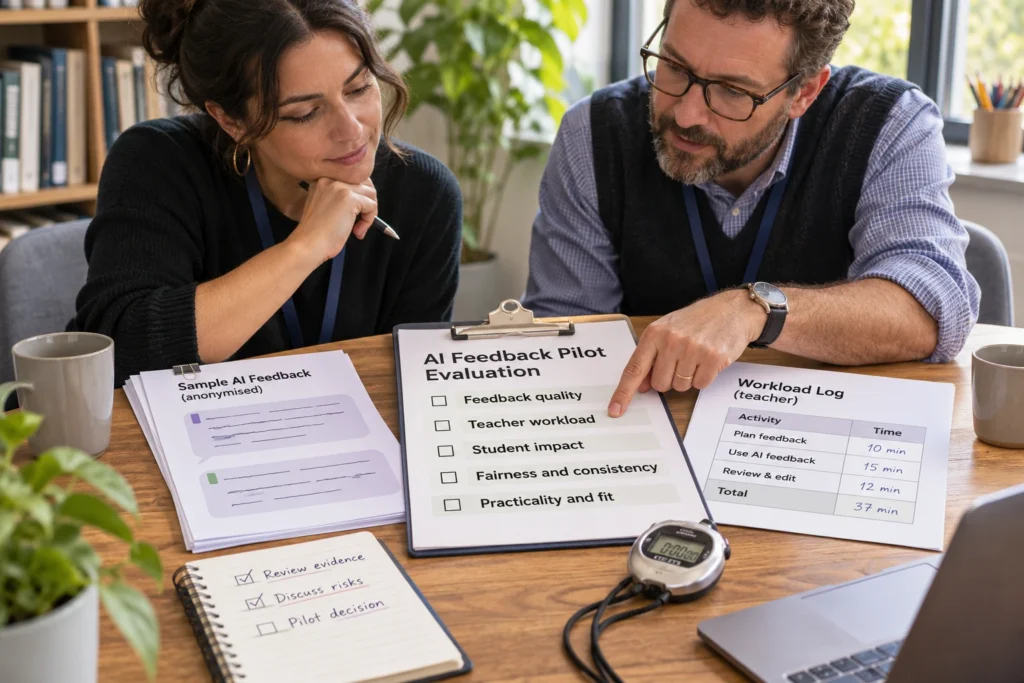
A feedback draft can appear quickly while several people still spend time preparing material, reviewing it and explaining corrections. A timer running from upload to release tells you how long that part of the process took. It does not tell you how much staff effort it required, especially when colleagues work together.
Use three separate records: elapsed time between stated start and finish points; active staff minutes spent on the task by each person; and one-off preparation such as training. A fourth record should describe feedback quality and any repair needed. Keeping these measures separate prevents a fast draft from being mistaken for a completed, checked feedback process.
The Australian Framework for Generative Artificial Intelligence in Schools places teacher expertise and human responsibility within its guidance for appropriate use. The log below is an original planning aid for making that work visible. It is not a framework reporting requirement, a product benchmark or evidence that any school has saved time.
What happens when two teachers review together?
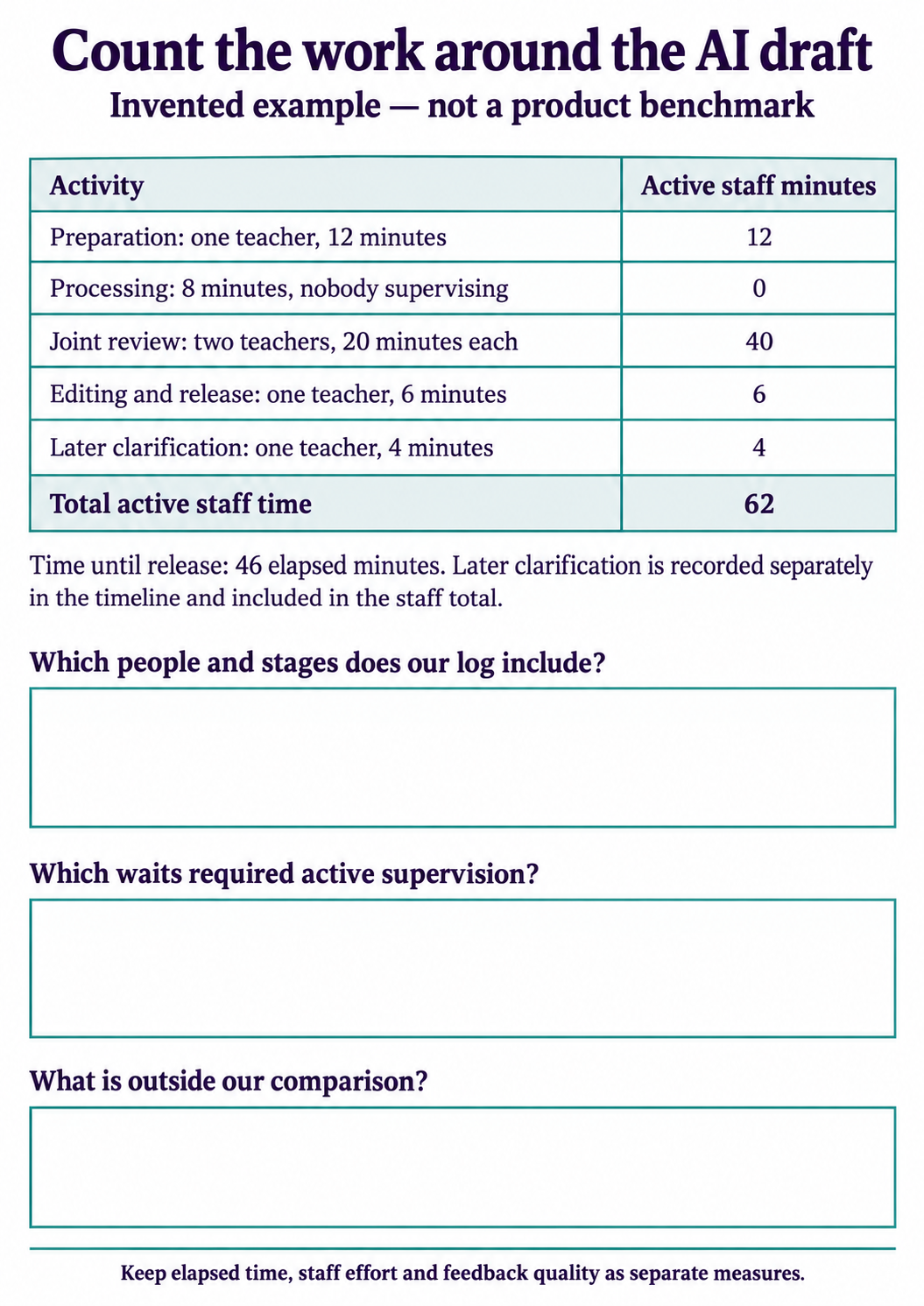
Consider this entirely invented sequence. At 2.00 pm, Teacher A starts preparing the task and permitted materials. Preparation takes 12 active minutes. Processing then runs from 2.12 to 2.20 pm. In this example, nobody has to watch it and both teachers do other work. Record eight minutes of elapsed waiting and zero active staff minutes for that wait.
From 2.20 to 2.40 pm, Teachers A and B jointly review the draft feedback. Each spends 20 minutes on the review, so the activity uses 40 staff minutes. Teacher A then spends six minutes editing and releasing the feedback, finishing at 2.46 pm. On the following day, A spends another four minutes clarifying one comment with a student.
The recorded effort is 12 + 0 + 40 + 6 + 4 = 62 staff minutes. Teacher A contributes 42 and Teacher B contributes 20. Time from preparation to release is 46 elapsed minutes. That 46-minute measure ends at release; it does not include the later clarification, which remains in the staff-effort total and has its own dated event.
The zero for processing depends on the example’s unattended wait. If someone must monitor progress, handle failures or remain actively occupied, record that actual time. Similarly, a colleague who reviews only part of a meeting contributes the minutes they actually spend. Do not automatically charge everyone for the full meeting invitation.
Where can the log double-count or miss work?
Count simultaneous effort by different people, but count the same person’s minutes only once. If A records a 20-minute review timer and the calendar also lists that same 20-minute review meeting, those are two records of one activity. Adding both would inflate the total. A’s 20 minutes and B’s 20 minutes are different contributions and should both count.
Give later work a route back into the record. A correction discovered after release, a student clarification or a colleague’s help with a failed upload can disappear from a same-day stopwatch total. Add a dated event with its purpose and active minutes. Do not insert student names, response text or identifying details into a workload log.
Record whether a later event corrected an error, explained valid feedback or dealt with a technical problem. These are different reasons for work, even when each takes four minutes. If a review prevents an error from reaching students, record the correction and the review effort; do not treat removing that review as a successful time-saving measure.
How should you account for training and setup?
Suppose both teachers also attended a 30-minute training session before the example. That is 60 staff minutes of initial training. Keep it on a separate line from the 62 minutes used by the observed feedback sequence. If you report the combined first-use effort, label the total clearly: 122 staff minutes including training.
Some setup recurs and some does not. Uploading materials for each task belongs in that task’s record. A one-off induction belongs in the initial cost record. If you distribute a shared setup cost across several tasks, state the number of tasks and why that allocation makes sense; retain the original total so a different assumption can be checked.
Do not divide this worked example by a supposed number of responses: no batch size was given. For a per-response measure, record the actual number reviewed, what counted as completed and any substantial differences in response length or complexity. A denominator should describe the observed work, not make a comparison look more favourable.
How do you make the record usable in a school discussion?
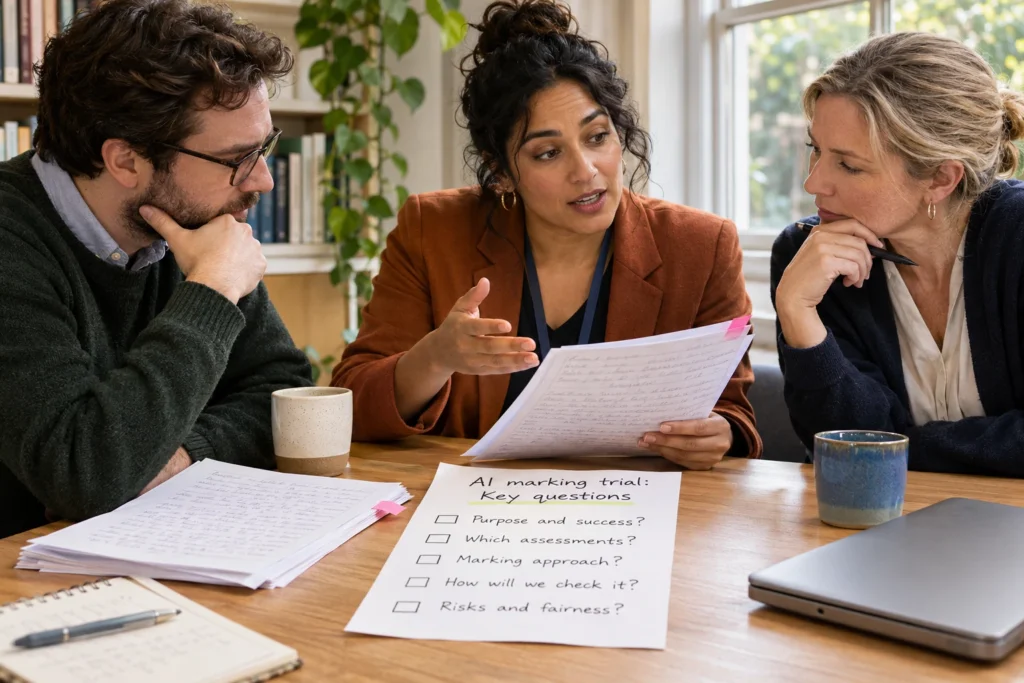
Agree on the boundaries before collecting a comparison. List the stages and people included, the quality checks required, the finish point and how later work will be captured. Apply the same boundaries to the comparison workflow. If staffing, task difficulty or review requirements differ, describe those differences beside the totals.
The guide to measuring marking workload covers the broader baseline and task boundaries. Use it when deciding which work to compare; use this event log when several people, overlapping activities or later support make a single timer misleading.
The marking workload calculator can help explore assumptions once you have reliable inputs. Keep a labelled staff-effort record alongside any calculation, and check the units before entering a number. A batch total for several people cannot be treated as one person’s time per response.
For a quick staff exercise, ask: “Two teachers review together for 15 minutes, then one spends five minutes on a correction later. How much active staff time is recorded?” The answer is 35 staff minutes. The meeting lasts 15 elapsed minutes; without the timing of the later event, you cannot give the elapsed time from the first start to final completion.
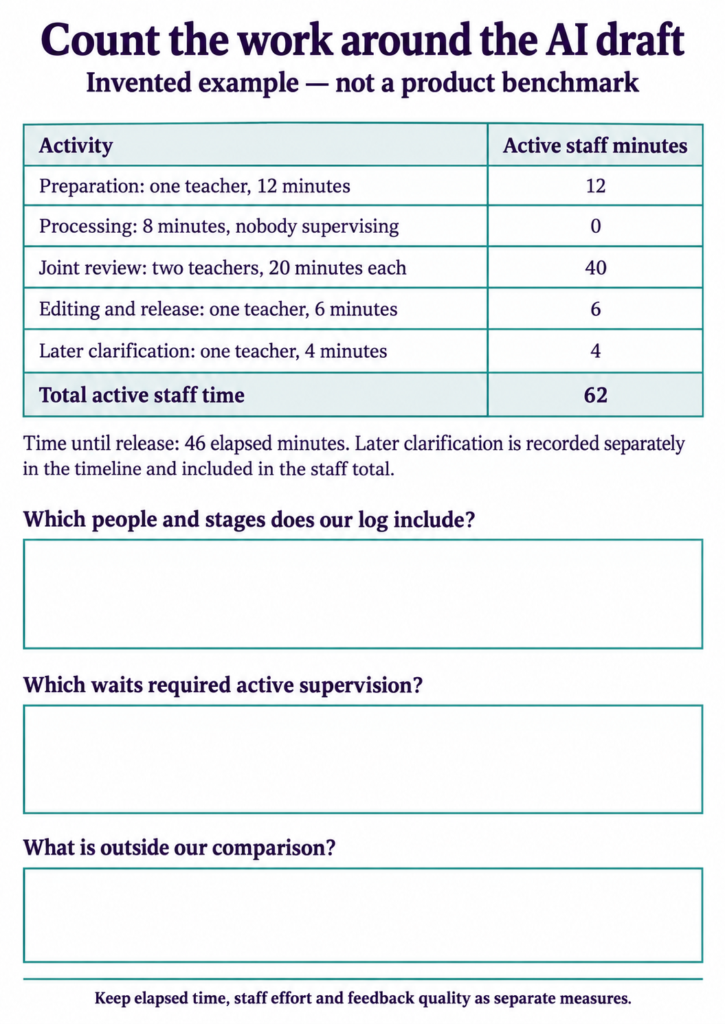
The printable worksheet repeats the 62-minute example and leaves space to define your own boundaries. The accessible tables below provide the arithmetic and a blank event record. Try the log on a small, clearly described task before using it to support a wider staffing or purchasing decision.
If you are considering JeddAI for a school workflow, bring the proposed task and this record to a school enquiry or meeting. Ask who prepares, reviews and releases feedback, what happens when a correction is needed, and how those responsibilities would be checked during a trial. A short draft-generation time alone cannot answer those questions.
| Activity | Active staff minutes |
|---|---|
| Preparation: one teacher, 12 minutes | 12 |
| Processing: eight minutes, nobody supervising | 0 |
| Joint review: two teachers, 20 minutes each | 40 |
| Editing and release: one teacher, six minutes | 6 |
| Later clarification: one teacher, four minutes | 4 |
| Total; training excluded | 62 |
| Field | Entry |
|---|---|
| Activity and date | Preparation / review / correction / other: ____ |
| Clock interval | Started: ____ Finished: ____ |
| Person or role | Use a staff role; no student identifiers: ____ |
| Active minutes | Task work, including required supervision: ____ |
| Purpose or later work | Error correction / explanation / technical help / other: ____ |
| Scope check | Already counted elsewhere? One-off or recurring? Excluded work: ____ |