Feedback comment bank →
Find a precise next step for evidence, analysis, structure or expression. Adapt each comment to the student's actual work, then give them time to use it.
For teachers and schools
Compare your current marking time with a workflow that includes setup and careful review. Change every assumption; the result is an estimate, not a promise.
Responses = students × classes × assessments. Current minutes = responses × current minutes per response. Alternative minutes = responses × review minutes + classes × assessments × setup minutes. The difference can be negative: a workflow may take more time.
The calculation covers teacher time only. It does not estimate software costs, learning gains or a guaranteed saving. Use the same assessment period for every input.
Find a precise next step for evidence, analysis, structure or expression. Adapt each comment to the student's actual work, then give them time to use it.
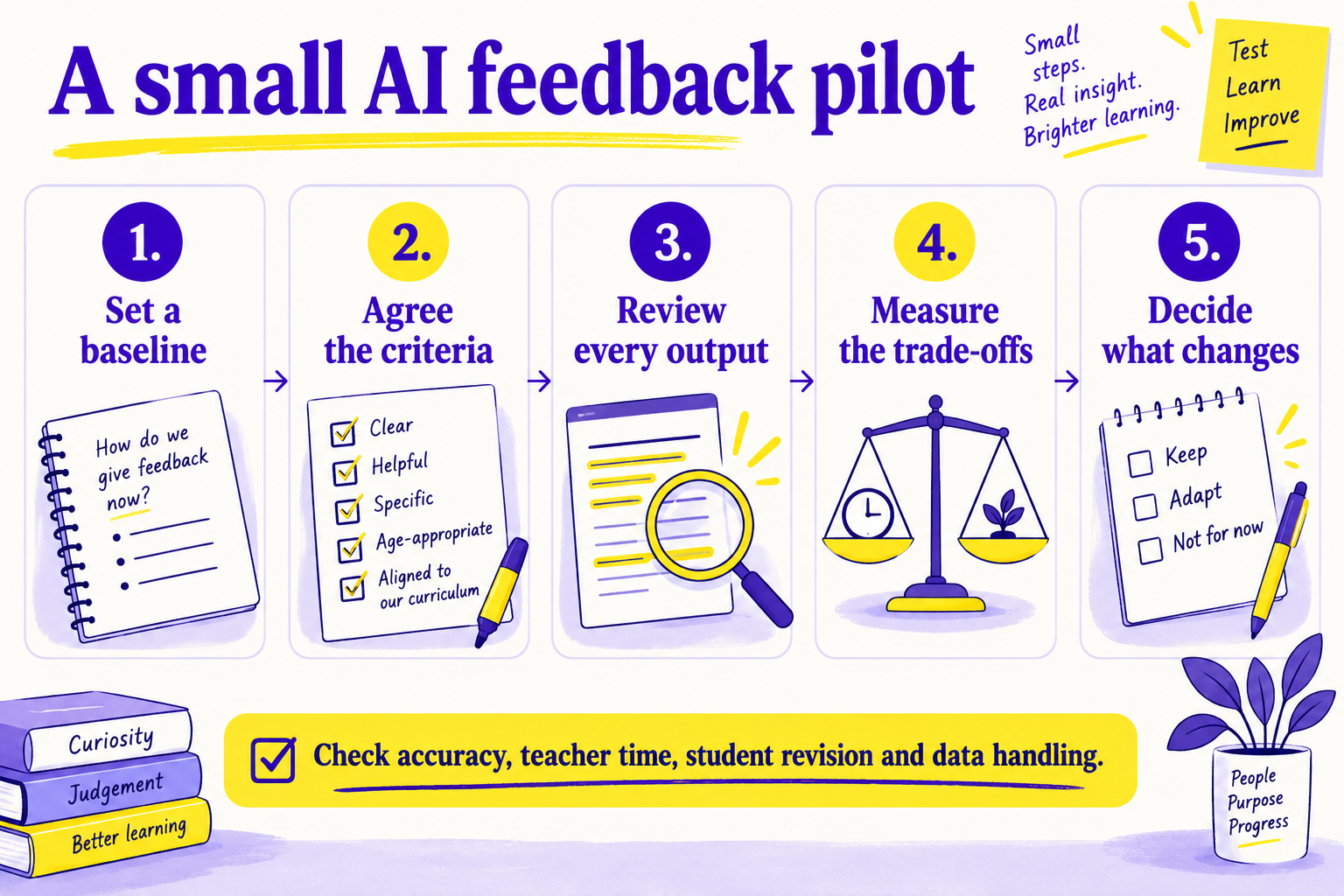
Plan a small, reviewable trial of AI-assisted feedback. Record evidence about accuracy, workload, student revision and data handling before deciding whether to expand.